
How to Create Campaign Updates
What are Campaign Updates?
Campaign updates let you share the latest news with your donors and supporters whether that's your campaign's current status or how funds have been used so far. Updates are a great way to re-engage past donors, as anyone who has opted in to campaign communications will receive a notification. They give supporters real-time insight into what you've achieved.
How to post a Campaign Update
Ensure you are logged into your Chuffed account
Open your campaigns dashboard (https://chuffed.org/dashboard)
Click the ‘Manage’ button to Edit your campaign
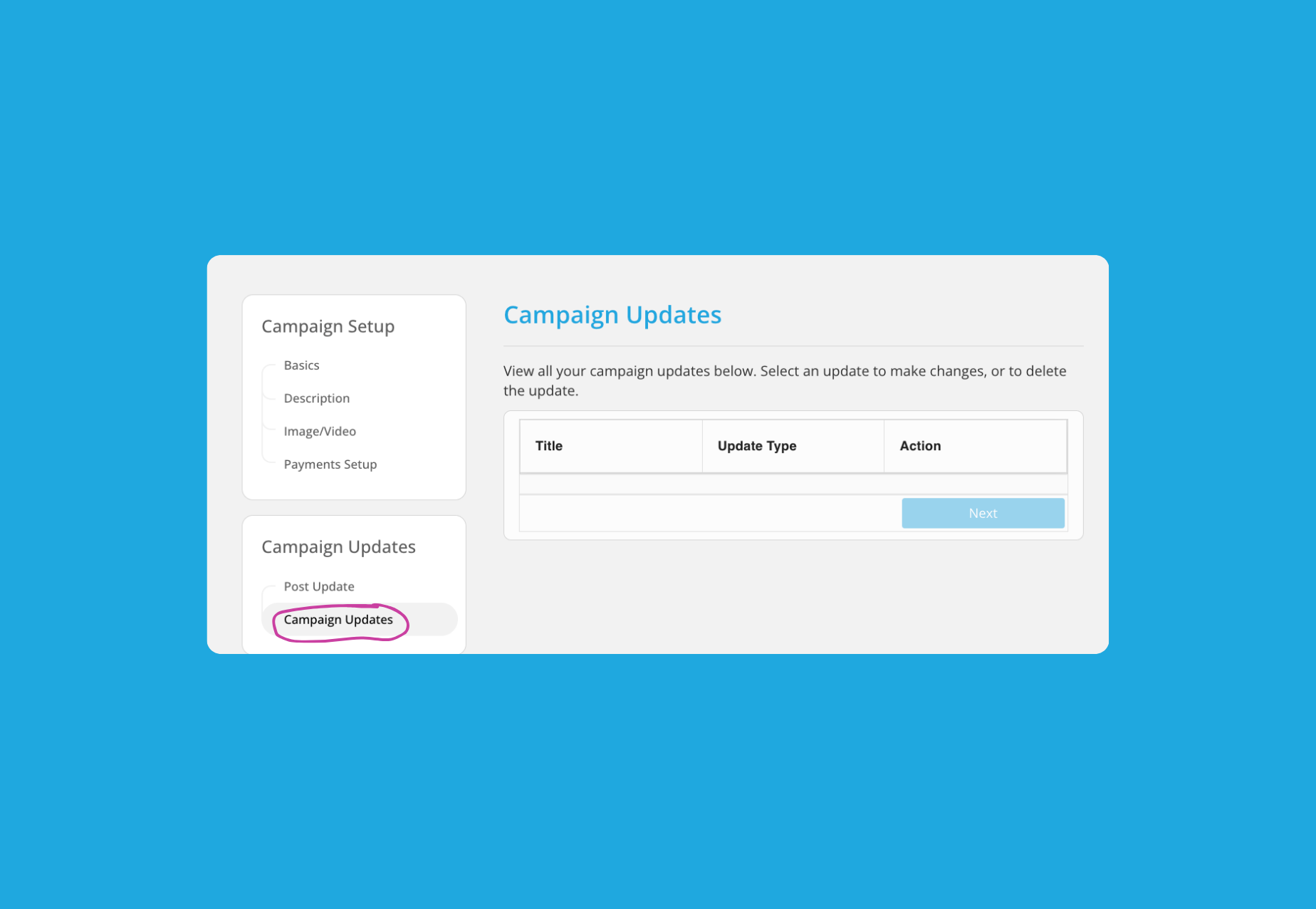
Select ‘Post Update’ under Campaign Updates
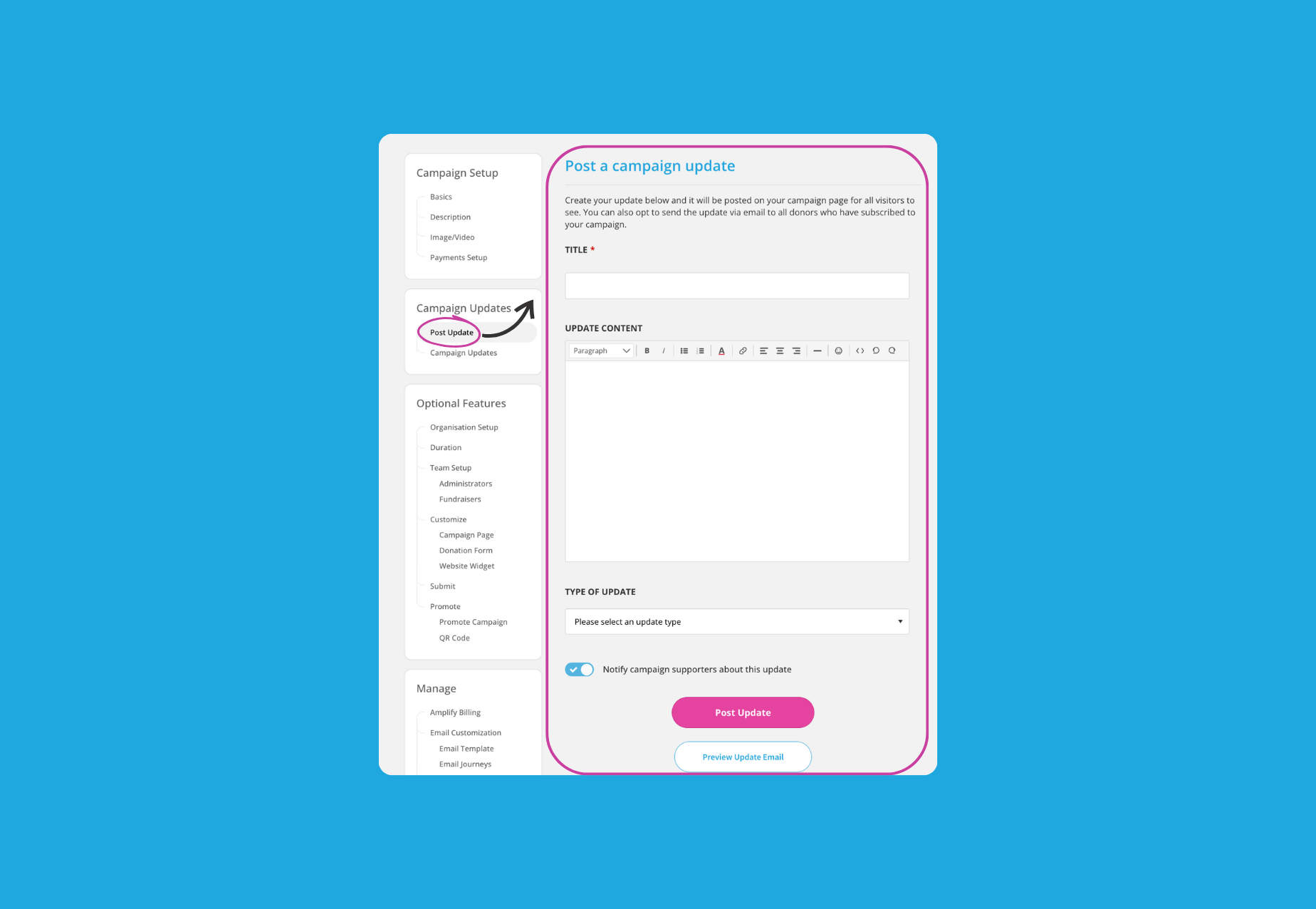
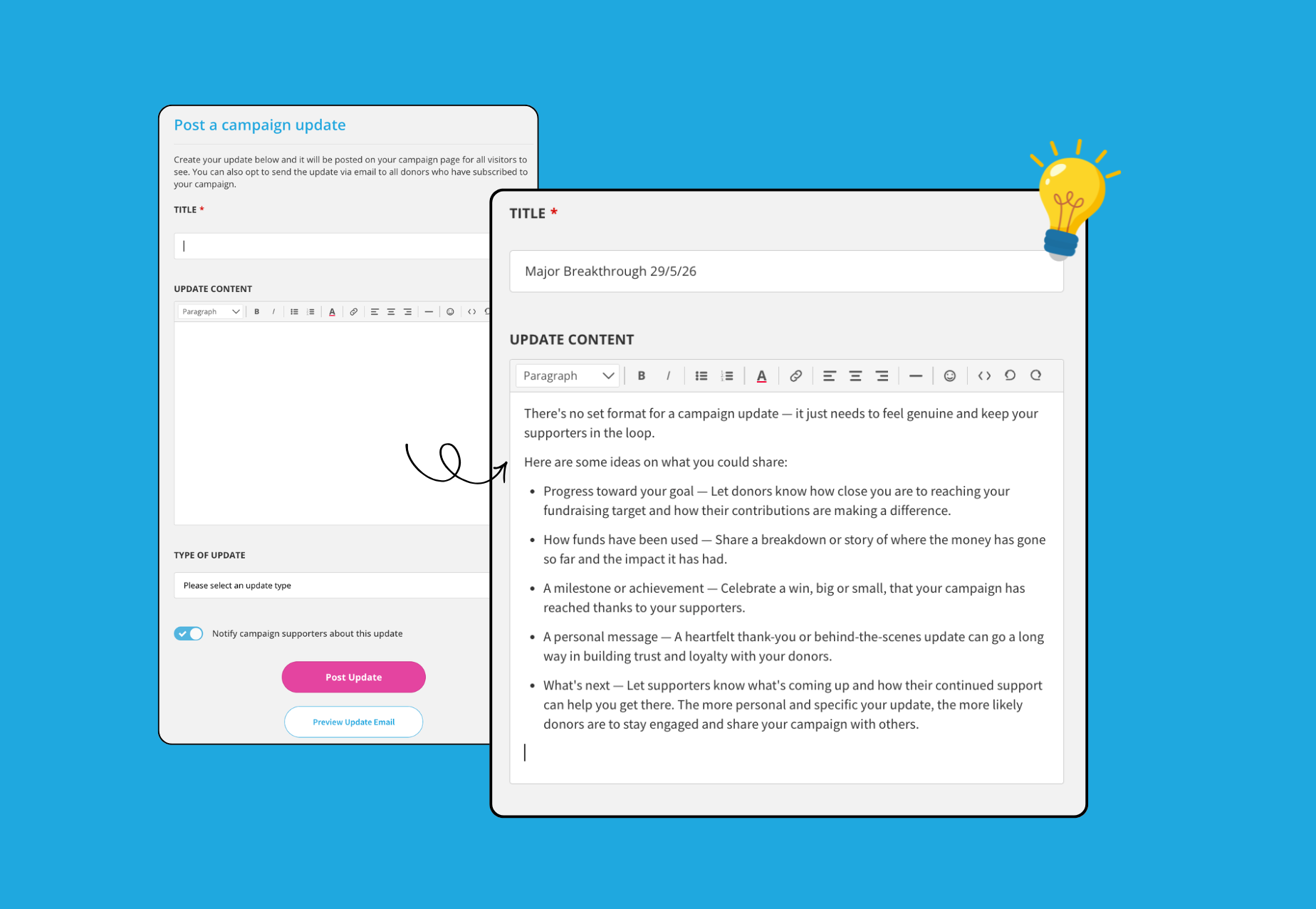
Type in the Title and Edit the contents of your post.
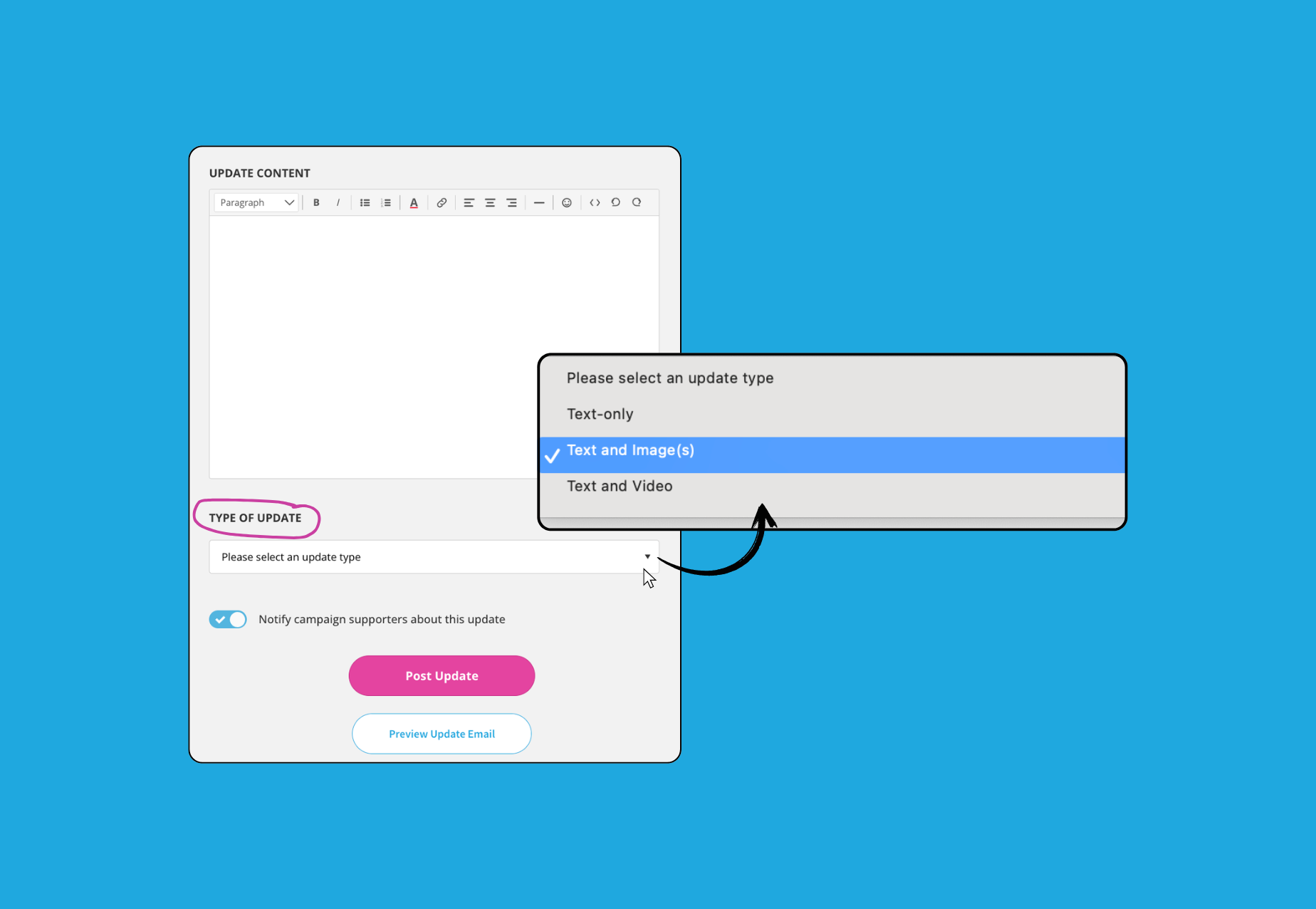
Select the ‘Type of Update’. This is where you can include images, or a link to a video to your update.
💡Tip: Video updates increase donations by 30%, and photos 18%.
Toggle ON whether you want to ‘Notify campaign supporters about this update’
Preview your post.
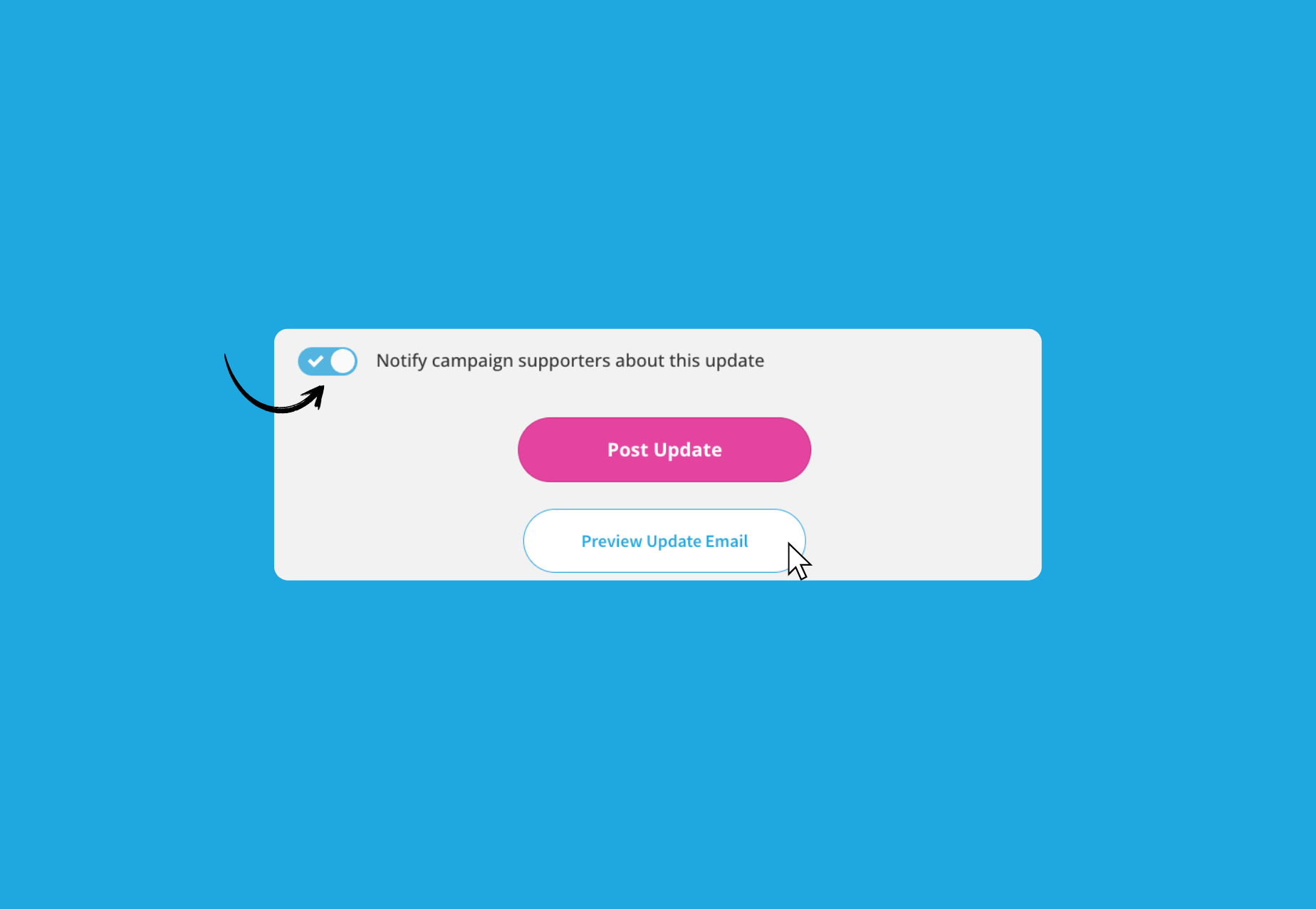
When you’re happy with the preview, click on ‘Post Update’. Refresh your campaign page to view the new Campaign Update post.
All published updates can be found under ‘Campaign Updates’.
Frequently Asked Questions
Why are my images not uploading?
Ensure your images are in any of the following formats: JPEG, PNG, WEBP, BMP and GIF picture formats. Large files can sometimes cause upload issues. Try compressing your image and uploading again.
The optimal dimensions for the image are 745 x 420 pixels - avoid using images that are smaller than this as they will stretch.
Make sure you have a stable internet connection when uploading — a dropped connection can interrupt the process.
If the issue persists, try using a different browser or clearing your browser cache before attempting the upload again.
What if I want to upload images and video to my Campaign Update?
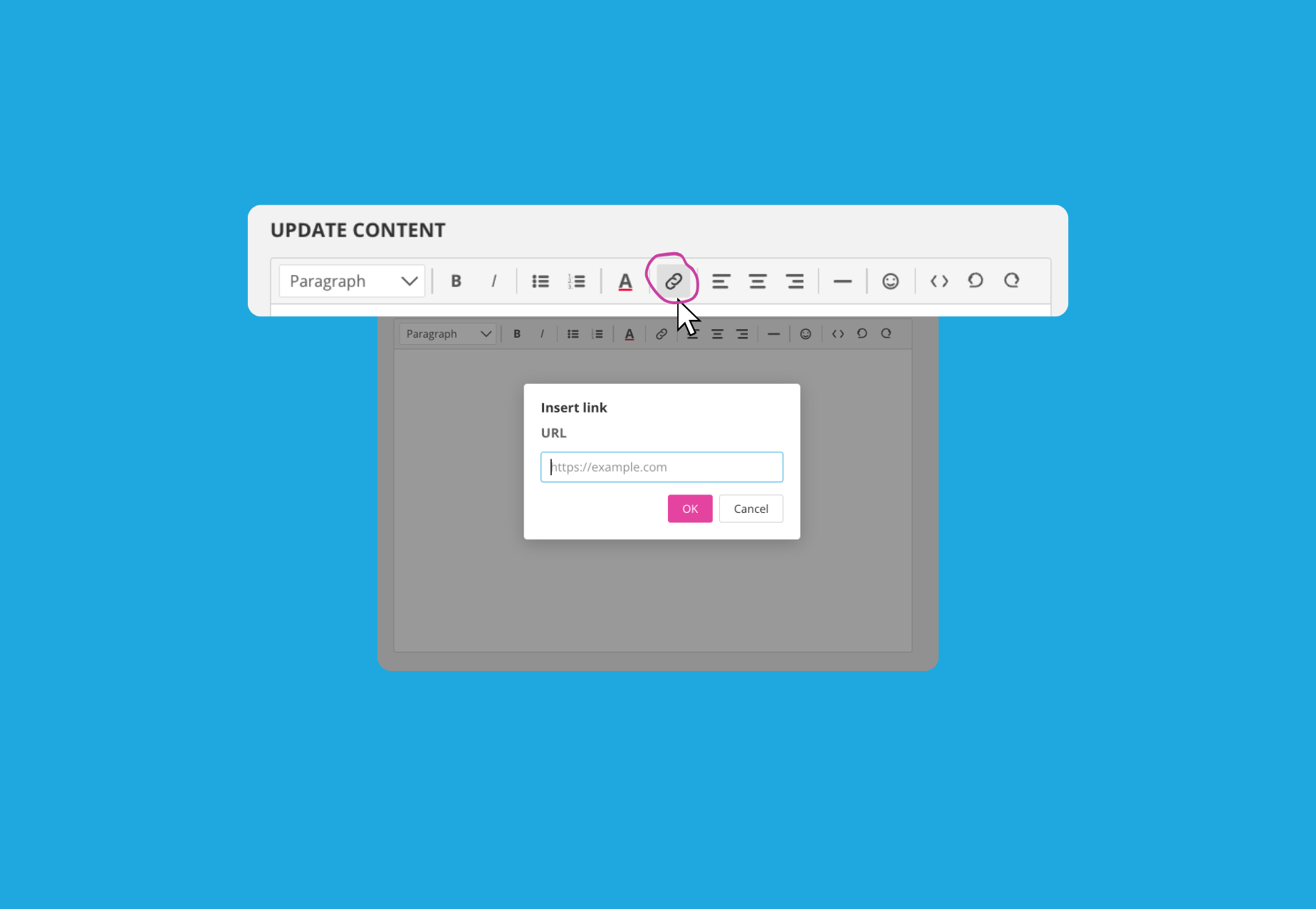
The best way to do this is to embed the Video link within your ‘Update Content’ section by clicking on the chain link icon and copy and pasting in your video link. Then select ‘Text and image(s)’ as your Update Type.
Why did some campaign supporters not get notified of the update?
It is most likely that they opted out of receiving communications when they made their donation. You can find out their preference by Accessing your Donor Data for the campaign.